Everything a shift change needs
Replace the notebook, the group chat and the spreadsheet with one handover your whole team follows.
Cash drops, counted properly
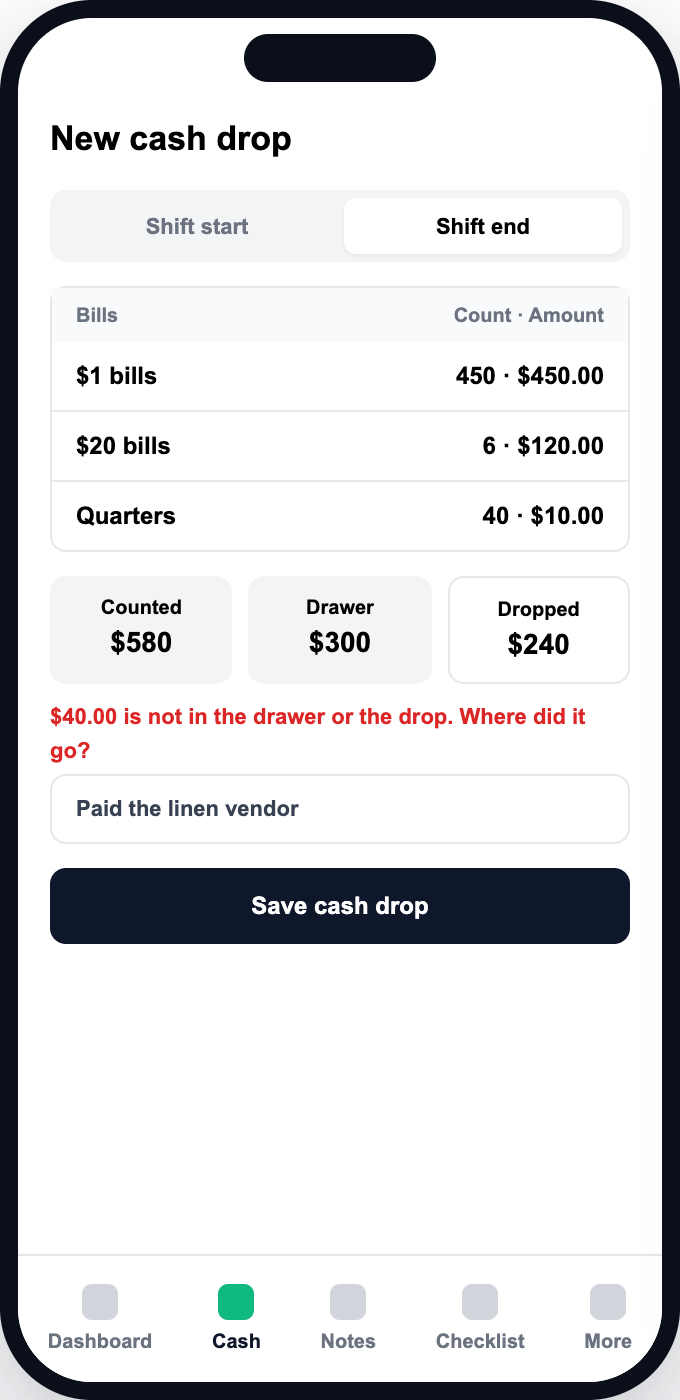
Count every coin and bill at shift start and end. Less dropped than expected? A reason is required. Counts are append-only, so a correction is a new record and the trail stays intact.
- Counted by denomination
- A reason is required for a short drop
- Corrections never overwrite the original
Shift notes that read like a to-do
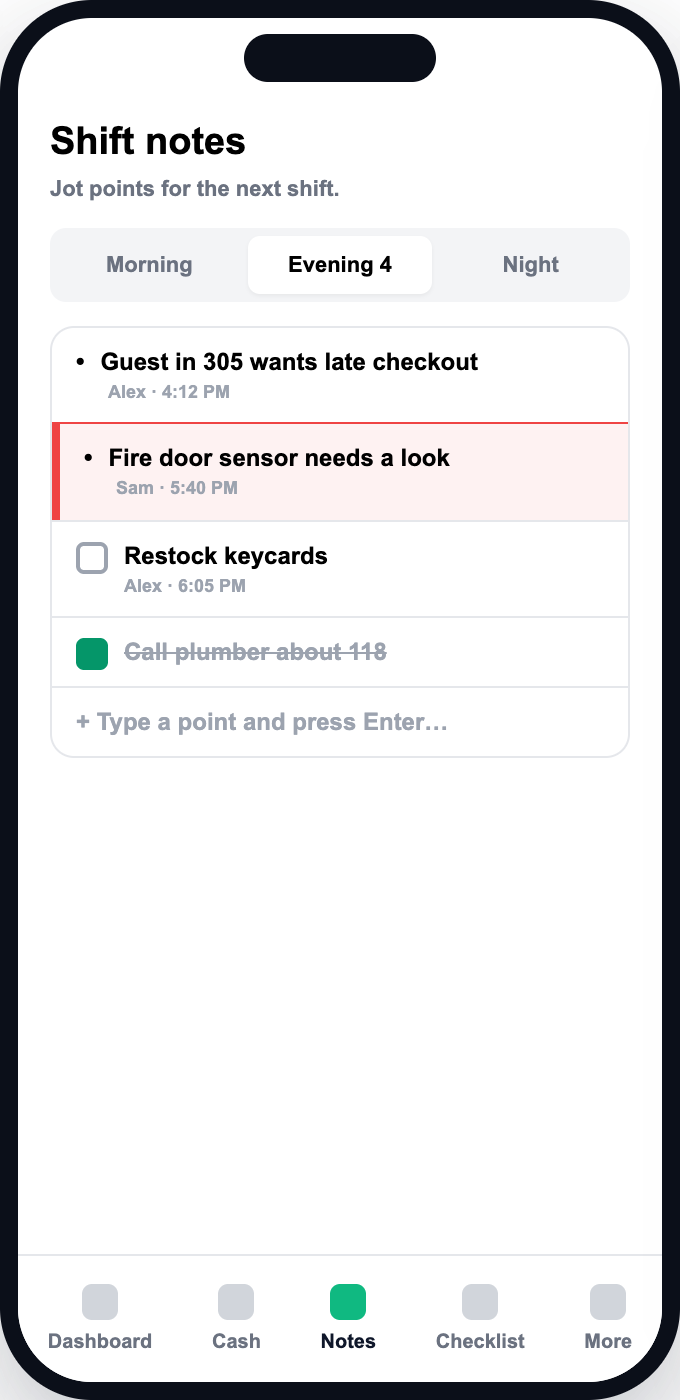
Type a point, press Enter. Flag what a manager must see. Unticked to-dos carry over to the next shift, and every new shift opens with a summary of the last.
- One point per line
- Flag items for managers
- Edited notes are marked as edited
Daily checklist per shift
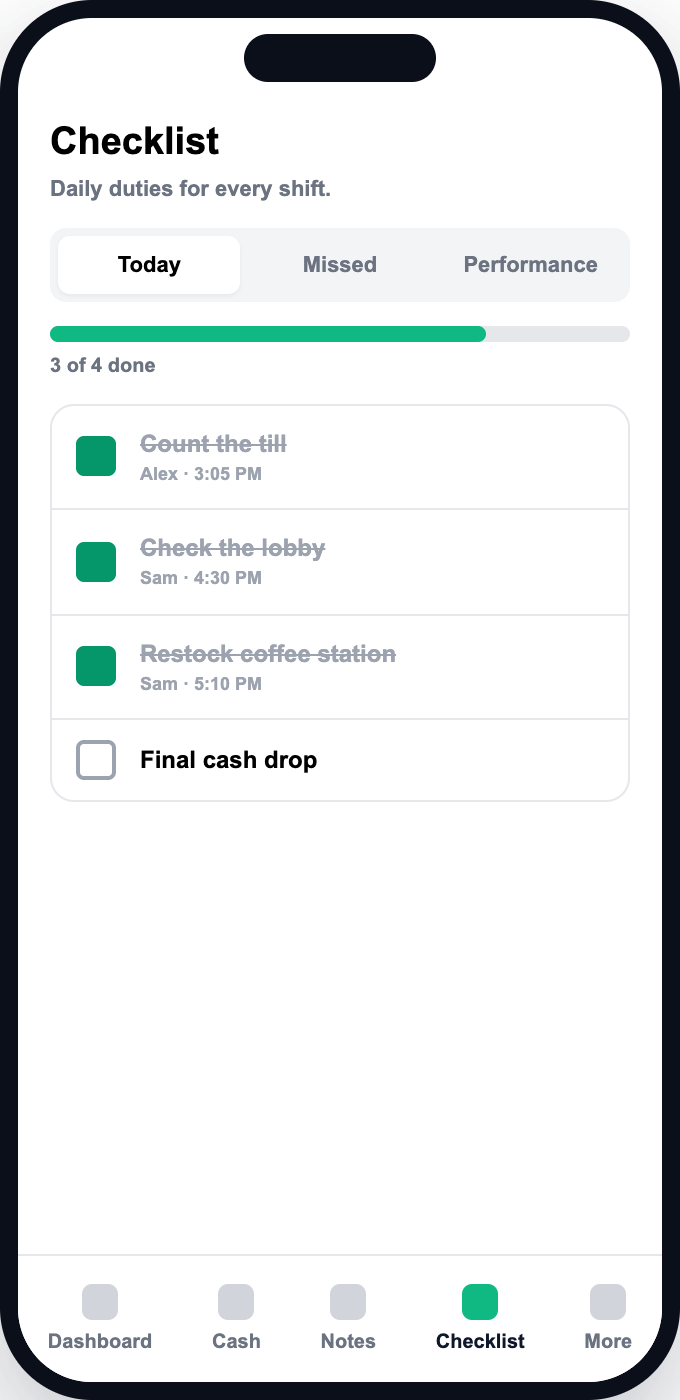
Admins design the duties for morning, evening and night. Staff tick them off every day.
- Separate checklist for each shift
- Runs on your hotel's timezone
- You decide the duties
Dashboard, performance and missed tasks
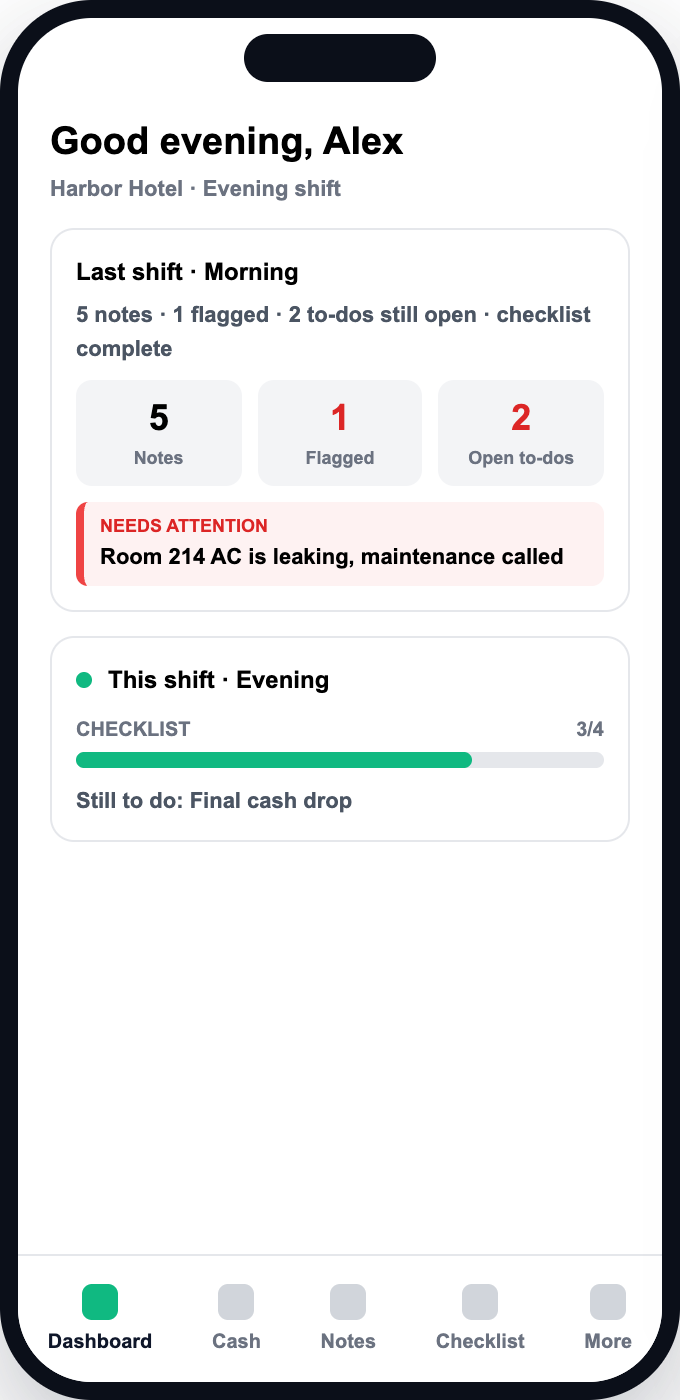
A nightly job records what was not done, so managers see misses without chasing anyone. The dashboard shows last shift and this shift side by side.
- Missed and Performance tabs
- Last shift and this shift summaries
- Reports gated by permission
Weekly staff schedule
Plan the week for your app users and for staff who never log in. Set start and end times, mark days off, and copy a week forward instead of retyping it.
- Morning, evening and night shifts with times
- Day off, holiday, vacation or sick
- Copy a week or one person's week
- Download the schedule as a CSV
Marketplace logs
Count the marketplace items at shift start and again at shift end. Add several items and save them together as one entry.
- Separate start and end counts
- Several items in a single save
- Managers see everyone's logs by permission
Cash drop copies by email
Save up to five addresses and each cash drop is emailed to them with the full count attached as a CSV. Short drops show the amount and the reason.
- Up to five notification addresses
- CSV count attached to every email
- Only admins with email permission can change the list
Roles and users you control
Create the roles your hotel uses and tick the exact permissions each one gets. Permissions are enforced on the server, and a hotel always keeps at least one active admin.
Make it look like yours
Each person picks a colour palette (Classic, Ocean, Forest or Sunset) and a design (Classic, Soft or Compact) on their own device.
Ready to stop chasing shift handovers?
See it with your own shifts and your own checklist. We will set up your workspace together.
Book a demo